
GW2 UI Midnight
173.2K downloads Updated 5 game versions
Screenshots

About
From the READMEA complete, hand-painted interface replacement inspired by Guild Wars 2. Modular: turn off any part you don't need, the rest stays intact.

Tired of a UI that looks like a spreadsheet? GW2 UI replaces the default interface with hand-painted art, clean frames and smooth animations - so you look at the game world again, not at boxes. Install it, log in, play. Everything is set up and ready.
Runs on: Retail (Midnight) · World of Warcraft: Forever · Mists of Pandaria Classic · Wrath of the Lich King Classic · The Burning Crusade Classic · Classic Era, Season of Discovery, Hardcore and Anniversary
WHY GW2 UI?
- Plug and play - no profiles to import, no addons to combine. One install gives you HUD, unit frames, bags, quest tracker, character window and more.
- Hand-made, not a template - every texture is painted and every window is built for this UI, with the look of Guild Wars 2.
- Plays well with your addons - every module can be turned off. Keep your favorite bag, raid frame or chat addon and use GW2 UI for the rest.
- One UI for every version of WoW - the same look from Classic Era to Midnight, updated with every patch since 2017.
- Ready for Midnight - class powers, auras and the dynamic HUD work with the new secret aura rules.
- Gamepad ready - on Forever, GW2 UI switches to its own gamepad layout automatically.
- In your language - translated into 11 languages.

FEATURES
Some features depend on the game version, for example Mythic+ and the Great Vault only exist on Retail.
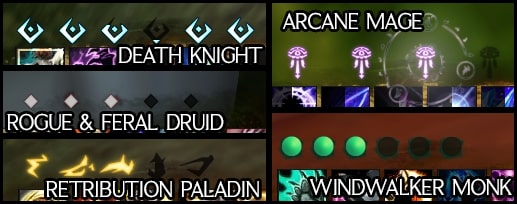
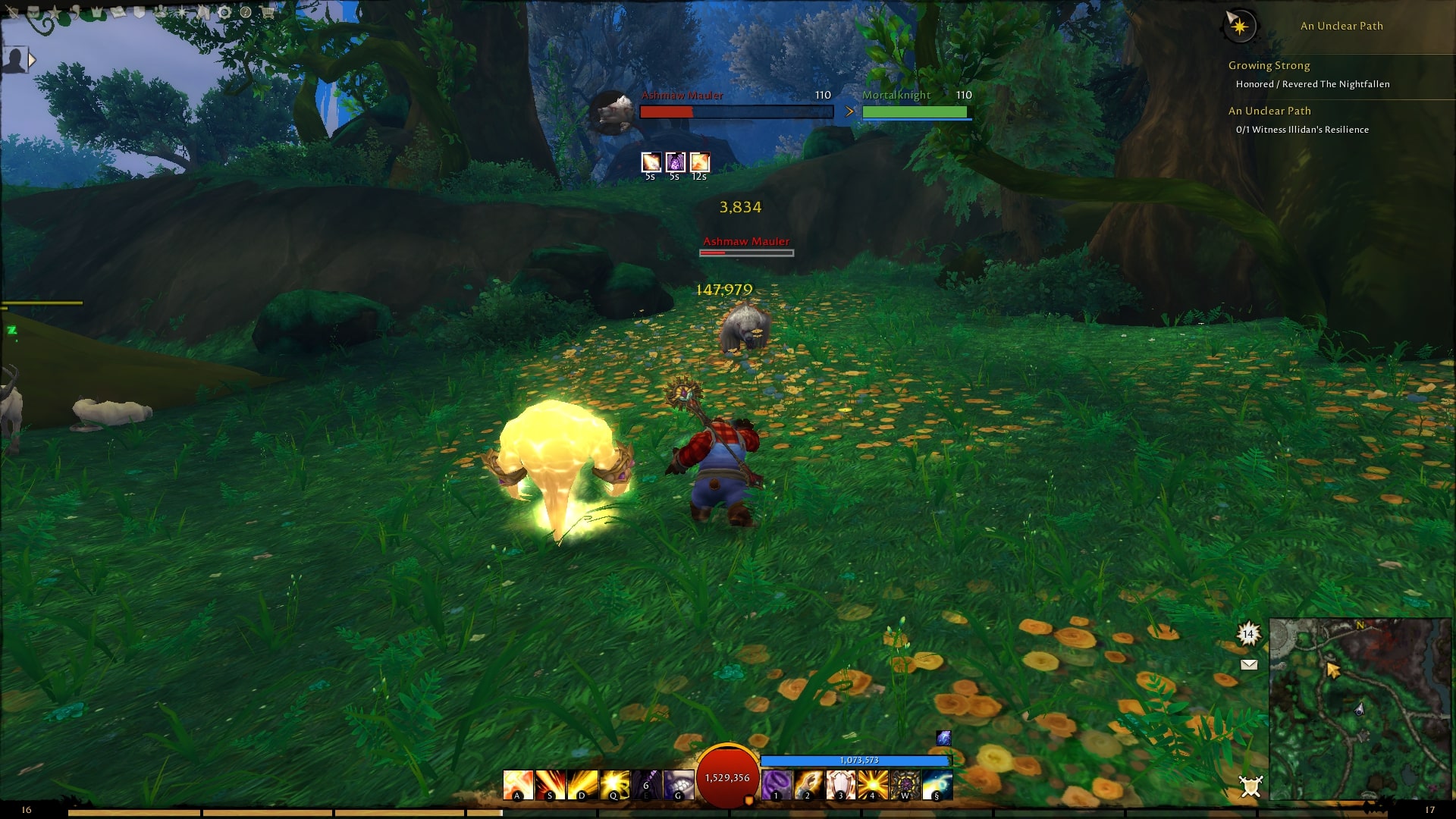
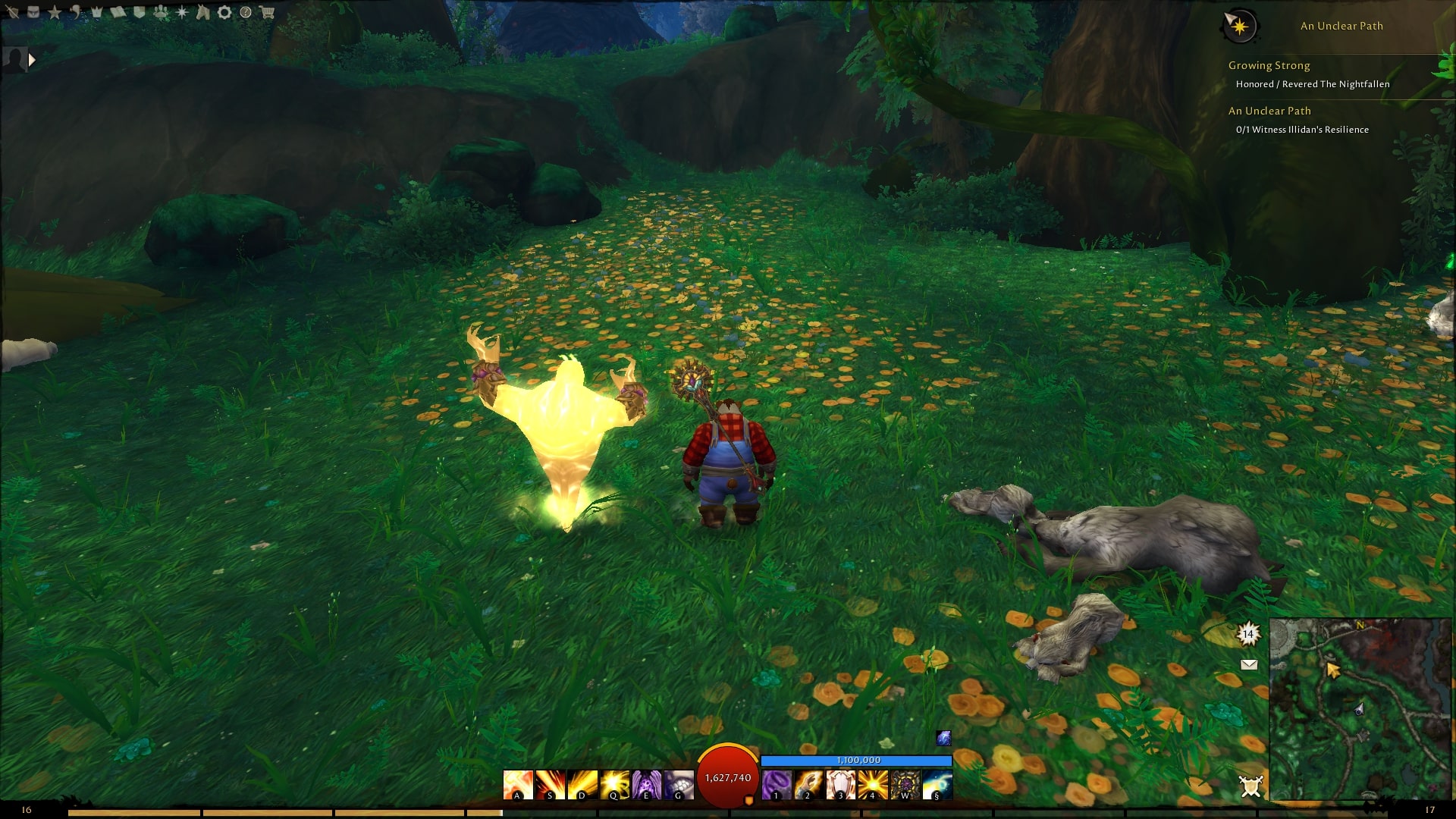
HUD - health globe, hand-painted class powers with their own animations, a dynamic HUD that reacts to combat and your class abilities, action bars that fade or hide while mounted, dodge bar, cast bars and a micro bar with detailed tooltips.
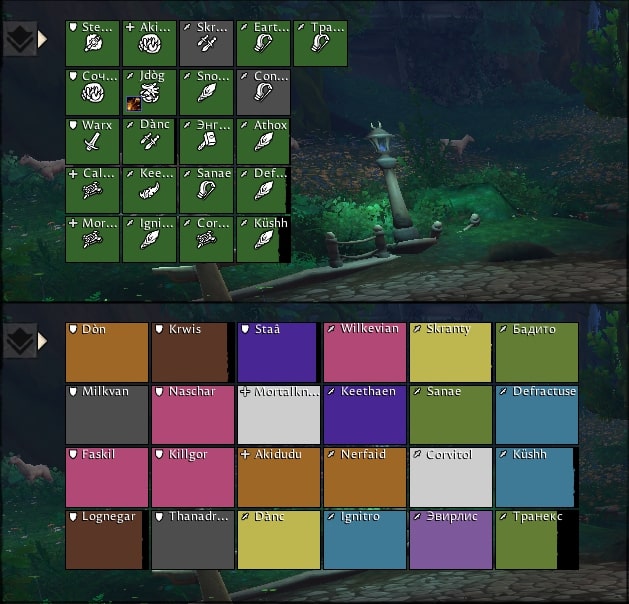
Unit frames and groups - player, target, focus, pet, party, boss and arena frames. Raid and party grids with aura indicators and dispel colors. Build the texts of every frame by drag and drop with the text designer.
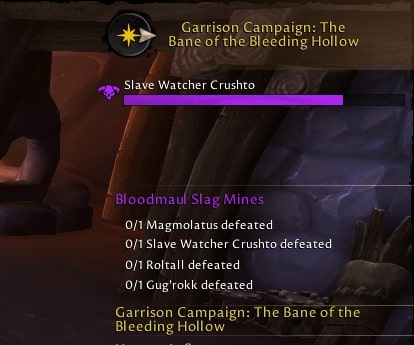
Questing - immersive quest dialogs, a quest tracker with tracking compass and boss frames, Mythic+ and raid info (deaths, battle res, bloodlust), boss times compared to your best and the achievements you are closest to completing.
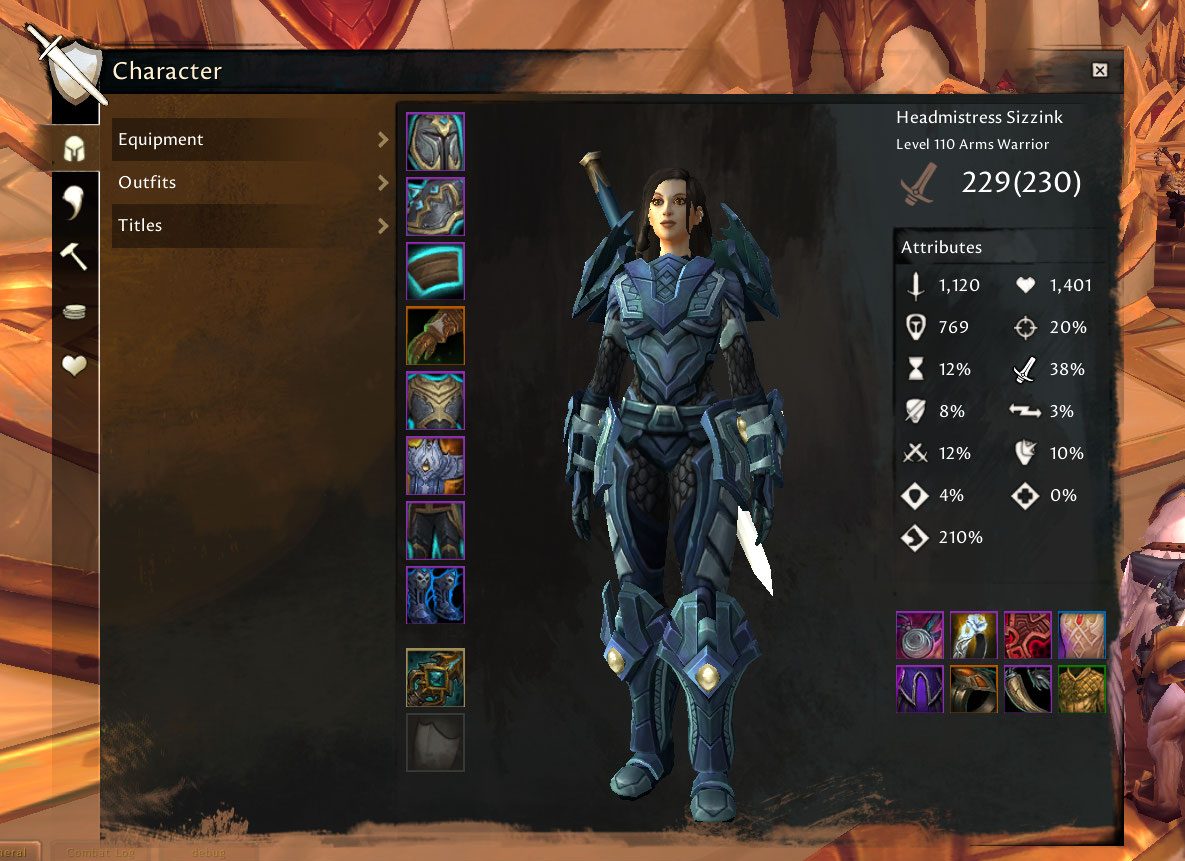
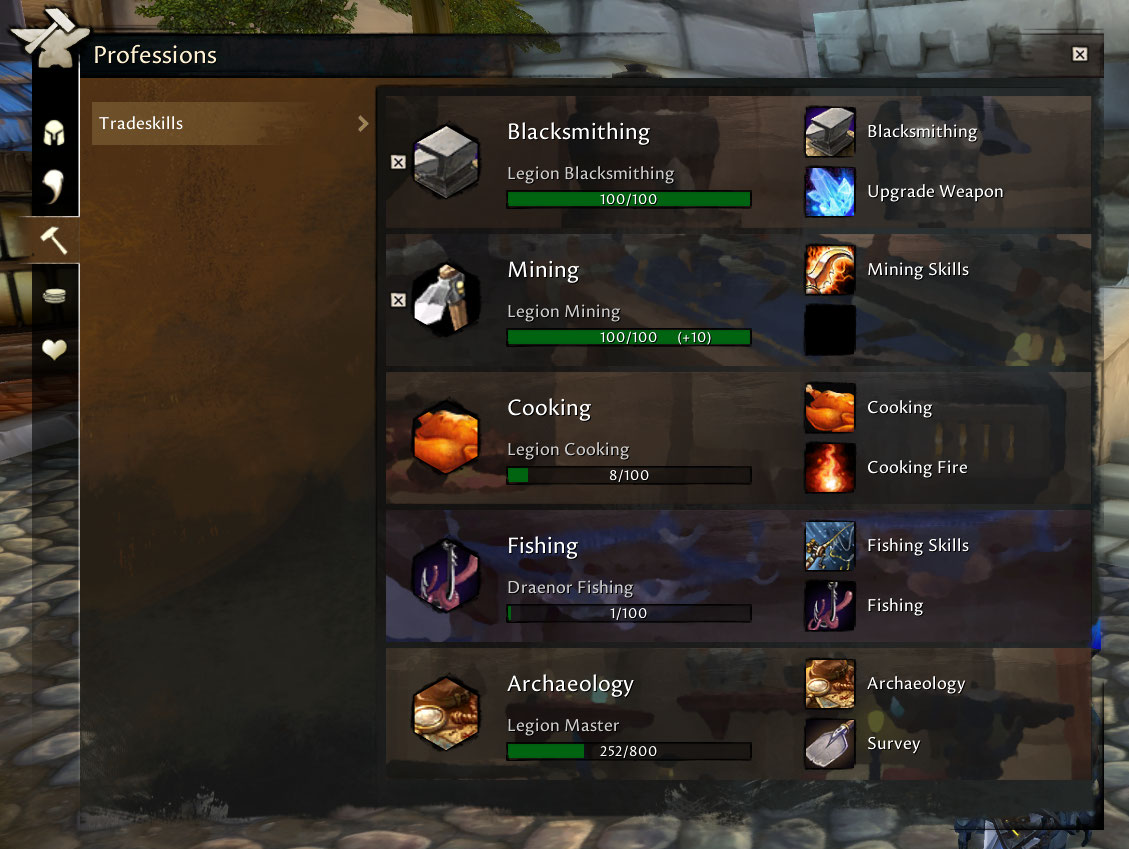
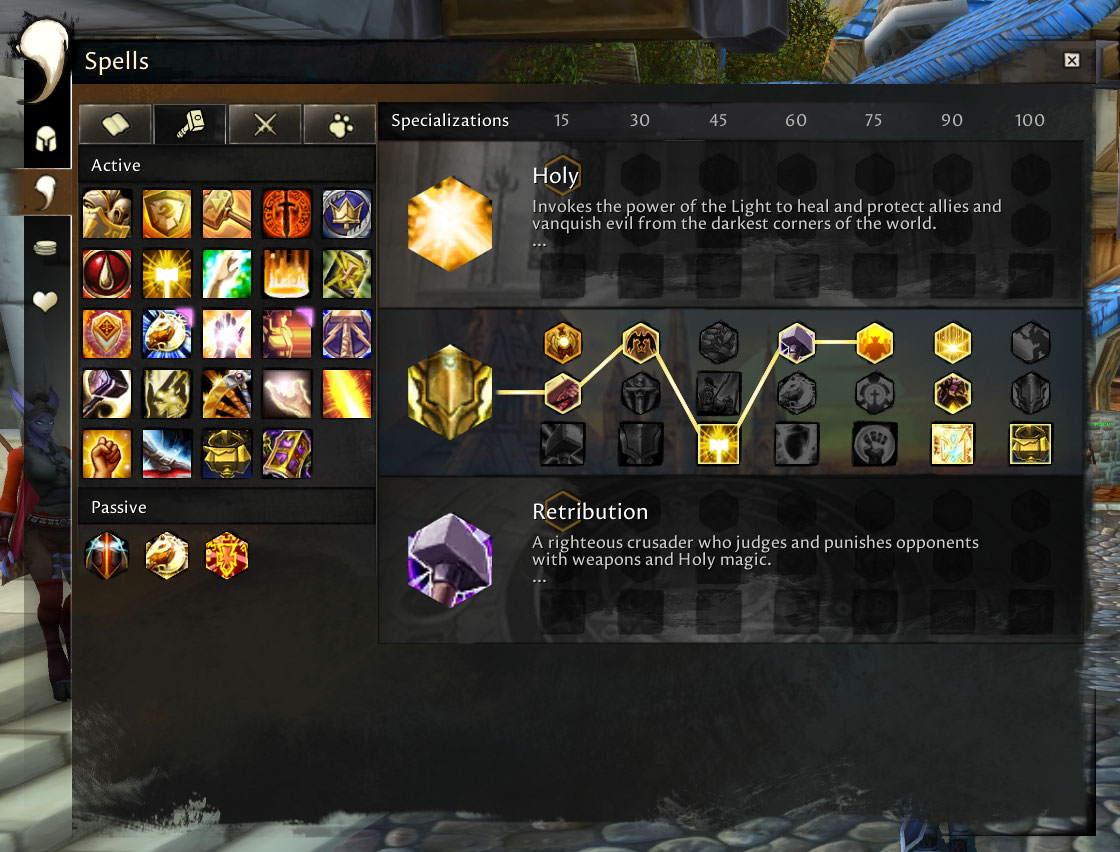
Character and inventory - a hero panel for character, reputation, professions, spellbook and talents. Bags, bank and guild bank with sorting, junk handling and item levels. Own loot roll bars and a loot feed that shows what you receive.
Map, chat and tooltips - minimap with configurable buttons, world map with exploration progress, a clean chat with role icons, colored chat bubbles and tooltips with item level, Mythic+ rating and more.
Skins and quality of life - skins for most Blizzard windows like achievements and collections, toasts for rares, full bags and the Great Vault, optional auto repair, fast loot and train all, an AFK screen and a global cooldown ring around the cursor.
Your setup - move and scale every frame in Move HUD mode, save profiles that switch with your specialization and see what is new in the in-game changelog.
GETTING STARTED
- Install GW2 UI and log in - the UI is ready to use.
- Type
/gw2 settingsto open the settings and turn modules on or off,/gw2lists all commands. - Type
/gw2 mhto move and scale frames. - Type
/gw2 kbto bind keys by hovering over a button.
SCREENSHOTS


FAQ
Can I use GW2 UI with other addons?Yes. Turn off the GW2 UI module that the other addon replaces, for example the bags or the raid frames, and both work side by side.
I don't like one part of the UI. Do I have to remove everything?No. Every module can be turned off in /gw2 settings, the Blizzard default takes its place.
How do I move frames?Type /gw2 mh, drag the frames where you want them and click Lock HUD.
Something is broken or missing.Tell us on Discord or open a GitHub issue. /gw2 status shows the system info we need.
HELP US
- Translate: help on CurseForge localization - thank you to all of our translators!
- Support the project:


WowUp installs GW2 UI Midnight and keeps it up to date, along with the rest of your addons.
Download WowUp