EmotePanel
44 downloads Updated 1 game version
Screenshots
About
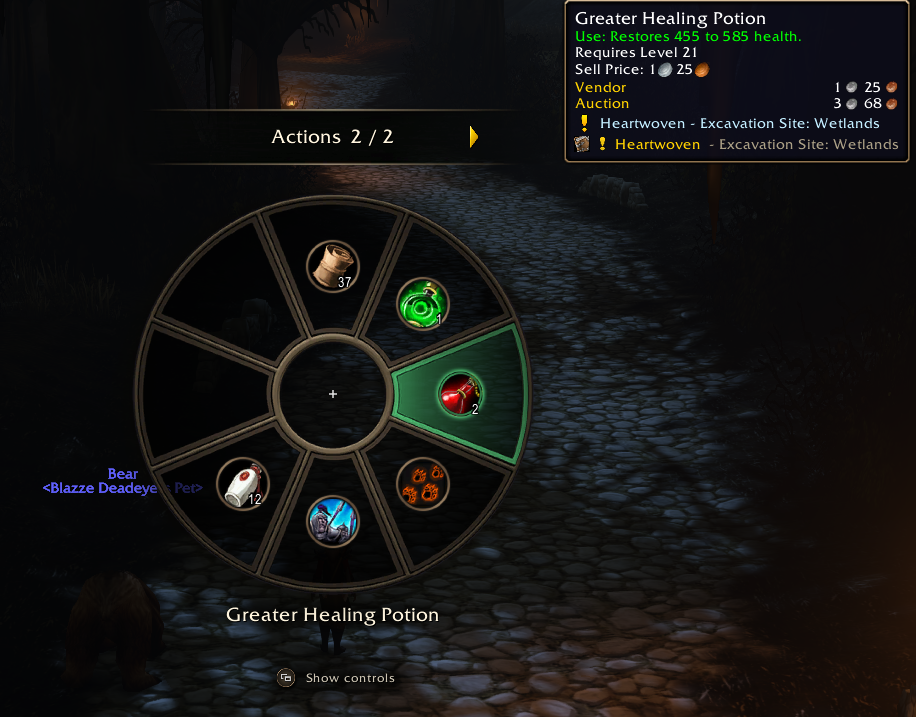
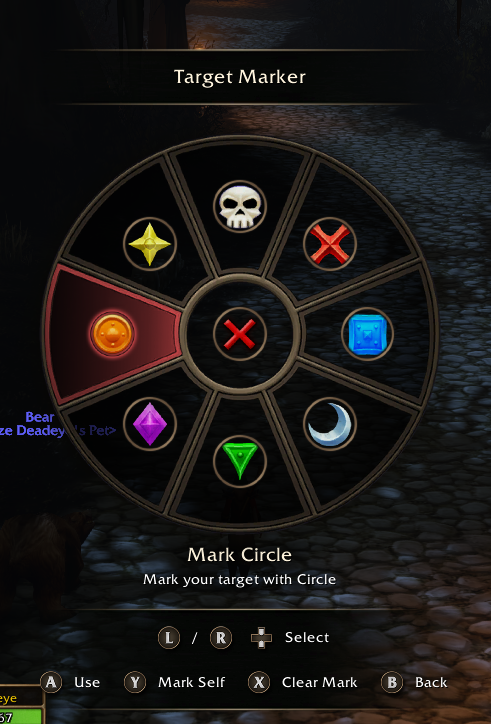
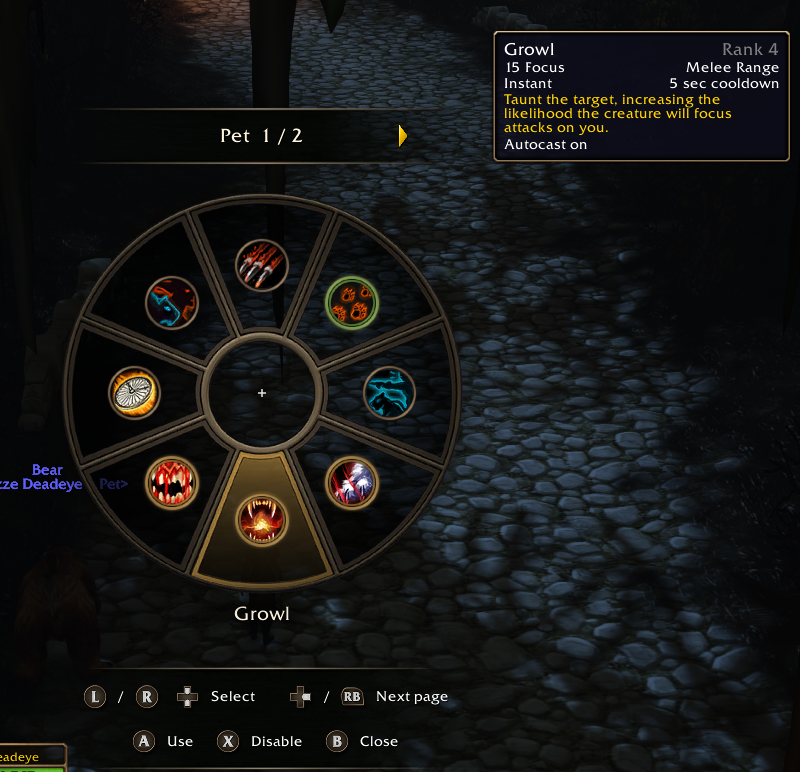
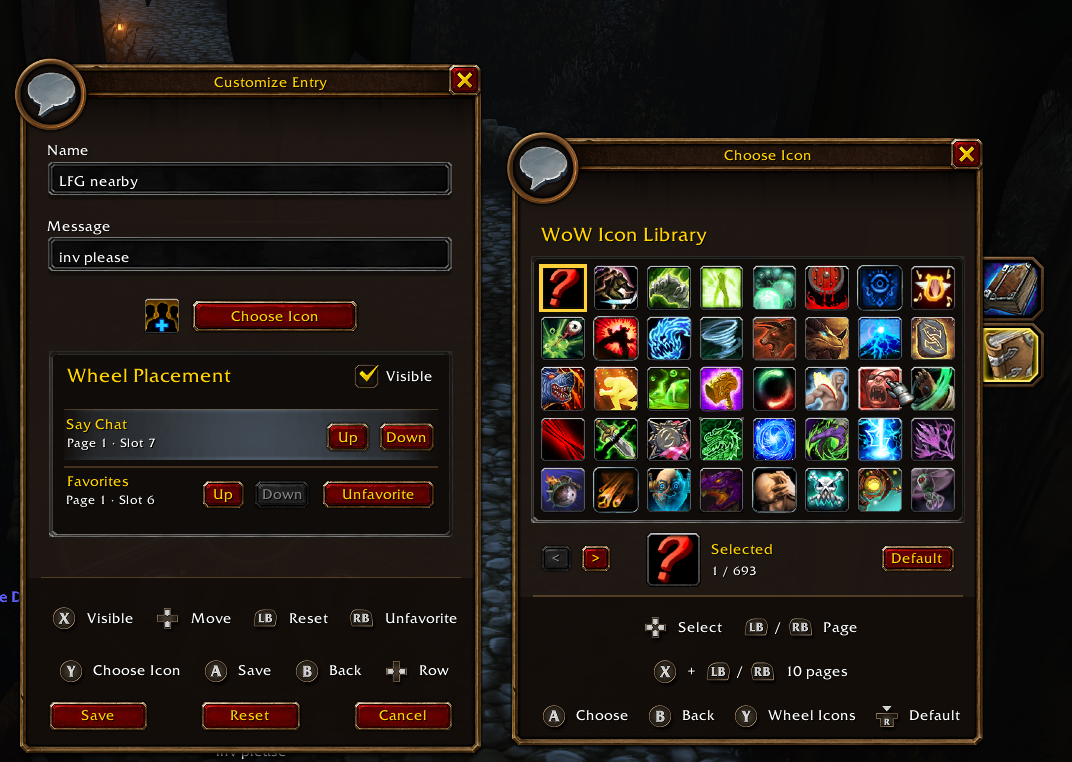
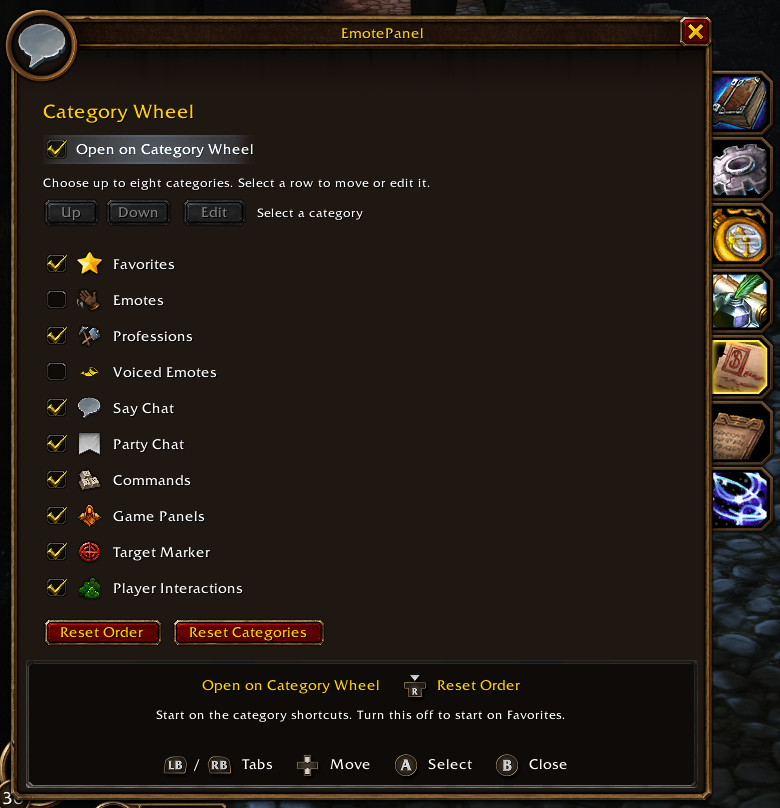
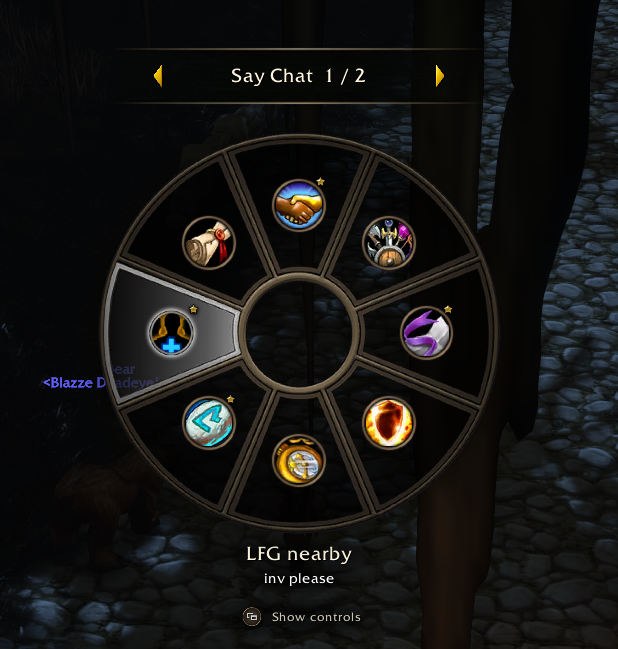
From the READMEAn eight-slot wheel for controller and mouse. Keep spells, items, macros, quick chat, and game shortcuts together. Customize Categories and Favorites, mark targets, or use a separate Pet Wheel on Hunters and Warlocks.
Get started
- Download the Forever ZIP and extract
EmotePanelintoWorld of Warcraft/_forever_/Interface/AddOns/. GitHub Releases · CurseForge - Type
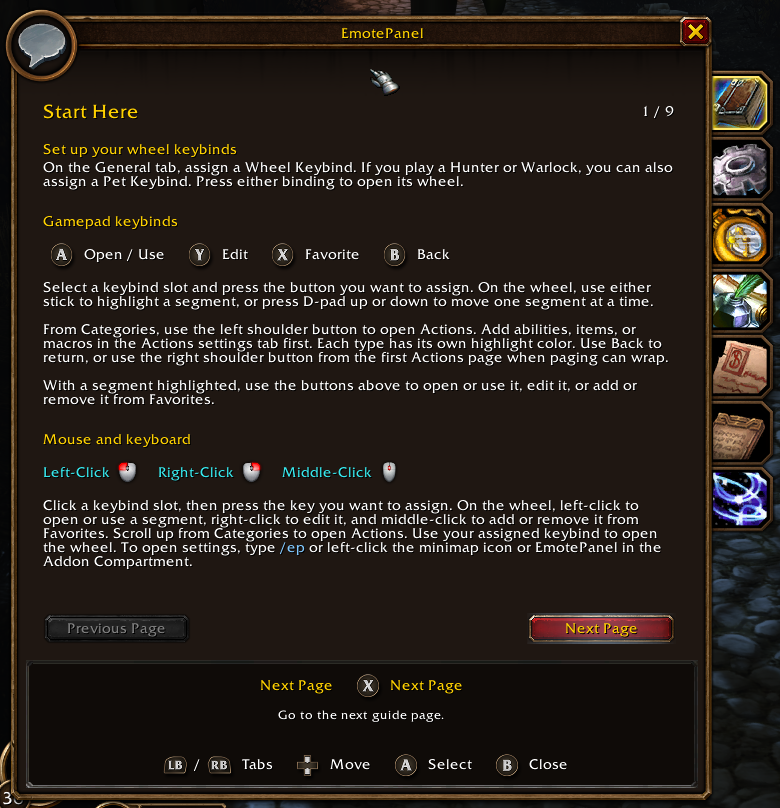
/ep. Under General → Controller Setup, assign a Wheel Keybind and, if needed, a Pet Keybind. - Use your assigned keybind to open the wheel. Open Actions in Settings to add spells, items, and macros.
| Action | Controller | Mouse |
|---|---|---|
| Open or use |   | Left-click |
| Favorite |   | Middle-click |
| Edit |   | Right-click |
| Back |   | Right-click the center |
For WoW: Forever 1.60.1. ConsolePort is optional. Type /ep help or read the Guide Book. See the changelog for updates.
Codex helped develop and document the Forever port.
WowUp installs EmotePanel and keeps it up to date, along with the rest of your addons.
Download WowUp